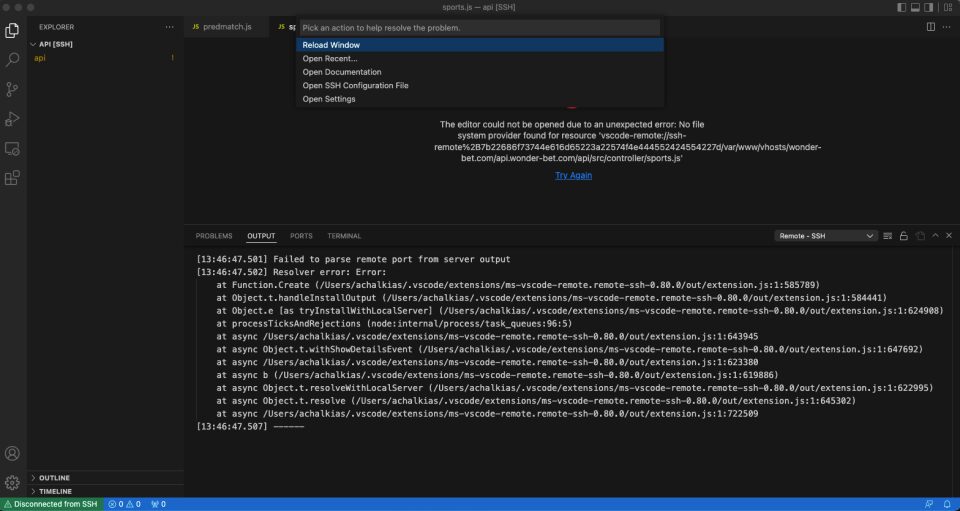
When you get this "Failed to parse remote port from server output" error while trying to connect your VSCODE with your custom Linux Server
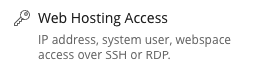 SSH Access might be forbidden for some reason
 All you need to do to FIX this error is to change it to /bin/bash
 And you are ready to use your SSH connection.
There are 2 Solutions for Failed to parse remote port from server output
Solution 1 (Most common)
Change the connection shell on the remote server to /bin/bash. This change can be easily done using the chsh command on the remote server. By default, when an Ubuntu account is created, the shell is set to /bin/sh, which cannot understand and execute the advanced syntax of the bash language (which probably uses your vscode). Sometimes when a subscription expires or you suspend a domain on a server. Let's say for example Plesk in your "Web Hosting Access" settings.
SSH Access might be forbidden for some reason
All you need to do to FIX this error is to change it to /bin/bash
And you are ready to use your SSH connection.
Solution 2
One other solution that can work (if you are sure you already tried the Solution 1) is: to connect to your server through terminal (vscode terminal, gnome-terminal, whatever)! Then go and remove /Home//.vscode-server
Try to connect after it! At the attempt the server will be re-installed from the start. If there was an issue after you updated the VSCode on you machine then this fix will work! Because whatever that was going wrong on the vscode-server It will start all over! And the state or whatever go a new and problem resolved!


